7.14 Example — Axicon
PDF section 7.14. Source script: KrakenOS/Examples/Examp_Axicon.py.
Uses the Axicon surface attribute to turn a planar BK7 element into a
conical refractor (the negative value sets the cone direction). A 5×5 fan
at three wavelengths shows the characteristic Bessel-like focal region.
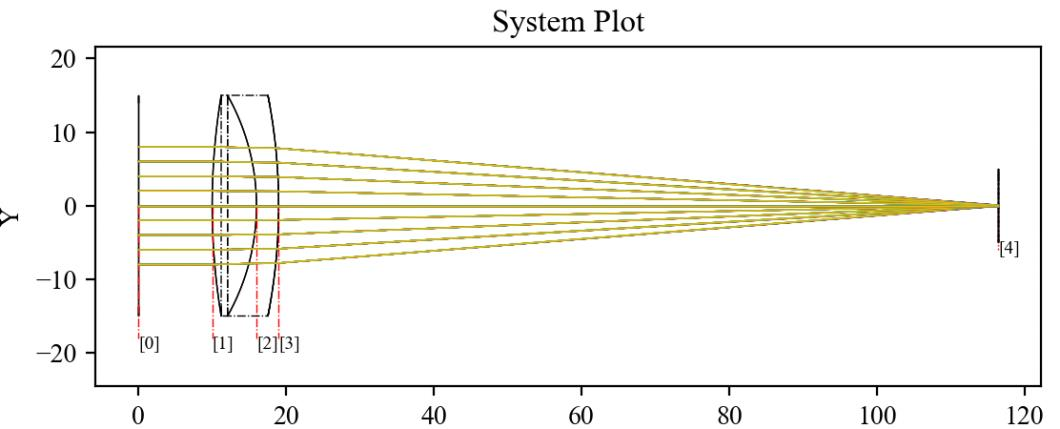
Figure 21a. Cross-section of the axicon.
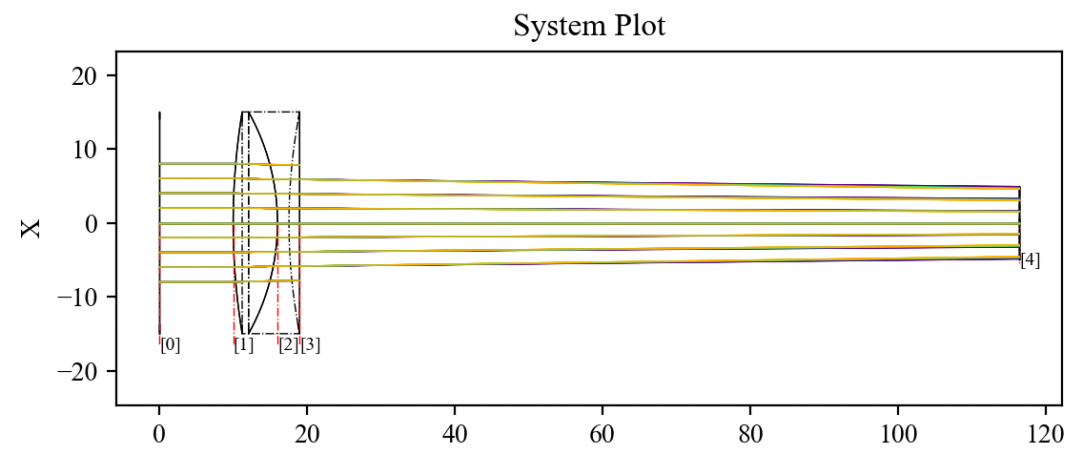
Figure 21b. Full 3D view of the axicon and traced rays.
#!/usr/bin/env python3
# -*- coding: utf-8 -*-
"""Examp Axicon"""

import numpy as np

required = {'KrakenOS'}
try:
    from importlib import metadata
    installed = {dist.metadata["Name"] for dist in metadata.distributions() if dist.metadata.get("Name")}
    missing = {pkg for pkg in required if pkg not in installed}
except Exception:
    missing = set()

if missing:
    print("No instalado")
    import sys
    sys.path.append("../..")


import KrakenOS as Kos

# ______________________________________#

P_Obj = Kos.surf()
P_Obj.Rc = 0.0
P_Obj.Thickness = 10
P_Obj.Glass = "AIR"
P_Obj.Diameter = 30.0

# ______________________________________#

L1a = Kos.surf()
L1a.Rc = 0
L1a.Thickness = 26.0
L1a.Glass = "BK7"
L1a.Diameter = 30.0

# ______________________________________#

L1c = Kos.surf()
L1c.Rc = 0
L1c.Thickness = 9.737604742910693E+001
L1c.Axicon = -35.0
L1c.ShiftY = 0
L1c.Glass = "AIR"
L1c.Diameter = 30

# ______________________________________#

P_Ima = Kos.surf()
P_Ima.Rc = 0.0
P_Ima.Thickness = 0.0
P_Ima.Glass = "AIR"
P_Ima.Diameter = 100.0
P_Ima.Name = "Plano imagen"

# ______________________________________#

configuracion_1 = Kos.Setup()
A = [P_Obj, L1a, L1c, P_Ima]

# ______________________________________#

Doblete = Kos.system(A, configuracion_1)
Rayos = Kos.raykeeper(Doblete)

# ______________________________________#

tam = 5
rad = 10.0
tsis = len(A) - 1
for i in range(-tam, tam + 1):
    for j in range(-tam, tam + 1):
        x_0 = (i / tam) * rad
        y_0 = (j / tam) * rad
        r = np.sqrt((x_0 * x_0) + (y_0 * y_0))
        if r < rad:
            tet = 0.0
            pSource_0 = [x_0, y_0, 0.0]
            dCos = [0.0, np.sin(np.deg2rad(tet)), np.cos(np.deg2rad(tet))]
            W = 0.4
            Doblete.Trace(pSource_0, dCos, W)
            Rayos.push()
            W = 0.5
            Doblete.Trace(pSource_0, dCos, W)
            Rayos.push()
            W = 0.6
            Doblete.Trace(pSource_0, dCos, W)
            Rayos.push()

# ______________________________________#

Kos.display3d(Doblete, Rayos, 0)